Shopify stopped running scripts on the order confirmation page
Published on by the Oriva team.
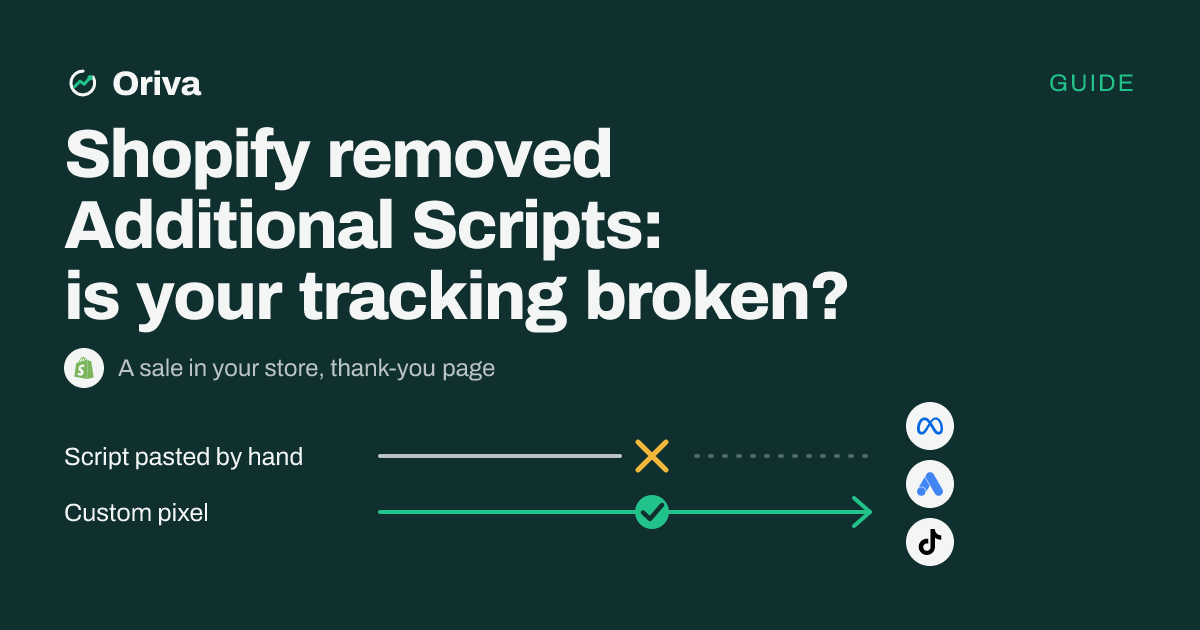
On August 26, 2026, Shopify stopped running hand-added scripts on the thank-you and order status pages of every non-Plus store. Plus stores were cut off the same way on August 28, 2025. If your Meta pixel, Google Ads tag or TikTok pixel was pasted into the Additional scripts box, it no longer fires when someone buys. Your orders keep arriving in Shopify, but the ad platforms no longer see them. In Ads Manager it looks like a drop in sales, and the algorithm starts optimizing with no signal. Purchases sent to Meta by the official Facebook & Instagram app set to “Maximum” are not affected: they go from server to server. Depending on the method, the fix takes ten minutes to an hour.
What exactly changed?
- Dates: August 28, 2025 for Shopify Plus, August 26, 2026 for all other plans (Basic, Shopify, Advanced).
- What no longer runs: Additional scripts on the thank-you and order status pages,
checkout.liquidcustomizations, and script tags that older apps injected on those pages. - The replacement for tracking: app pixels and custom pixels, under Settings → Customer events.
Is my store affected?
Yes, if:
- your pixel was pasted by hand into Additional scripts;
- your Google Ads tag was added by hand to the thank-you page;
- an older-generation app injected a script on that page.
Probably not, if:
- your purchases go to Meta through the Facebook & Instagram app with “Maximum” data sharing;
- all your tracking already goes through Settings → Customer events.
How do I check in five minutes?
- Open Settings → Customer events. If a pixel that used to be in Additional scripts doesn't appear here, it's cut.
- Place a test order.
- Check in each platform's event testing tool (Meta Events Manager, Google Ads, TikTok) that the purchase arrived.
- Compare your Shopify orders with the conversions the platform reports since August 26. A sharp break on that date is the sign.
How do I fix it: three options
| Official app | Custom pixel | Server-side tracking | |
|---|---|---|---|
| Who it's for | One platform that has its own app | A custom need | Several platforms, affiliates, proof of delivery |
| Effort | About 10 min | 30 to 60 min, JavaScript | Depends on the tool |
| Sent from the server | Yes for Meta on “Maximum” | No, from the browser | Yes |
The trap: counting the same sale twice
Shopify warns that the most common mistake during a migration is tracking the same event twice. Connect the new pixel before removing the old one, then delete all the old code. And never send the purchase to Meta through two different paths (the app and another tool) without a shared event identifier: each sale would be counted twice.
And Oriva, in all this?
If you only use Meta and the official app on “Maximum” is enough, you don't need us. Oriva is for when you send your sales to several places at once: Meta, TikTok, Google Ads, ChatGPT Ads and your affiliate networks. You then want to see, delivery by delivery, what really arrived. We give you a pixel ready to paste, which sends the purchase from your own domain before passing it server-side to each destination.
The pixel's details are on the Shopify page.
Start free trial